

How to Optimize Images for Visual Search and AI Overviews
Learn how to optimize images for visual search and AI overviews with practical tips on image quality, file formats, alt text, structured data, and responsive design. This guide explains how visual search works, why it matters for SEO, and how to prepare your images so they appear in Google Lens, Pinterest Lens, AI overviews, and rich results. Improve load speed, strengthen technical SEO, and boost product discoverability with effective image optimization strategies.
Key Takeaways
Optimized images improve visibility in visual search and AI overviews, helping customers find your products faster.
Image SEO strengthens rankings by improving relevance, load speed, and understanding for search engines.
Using structured data, accurate alt text, and high-quality visuals boosts authority across rich results and AI features.
Compress images, use modern formats, and add captions to improve indexing and user experience.
Multiple angles and responsive formats increase matching accuracy and drive stronger engagement from visual search traffic.
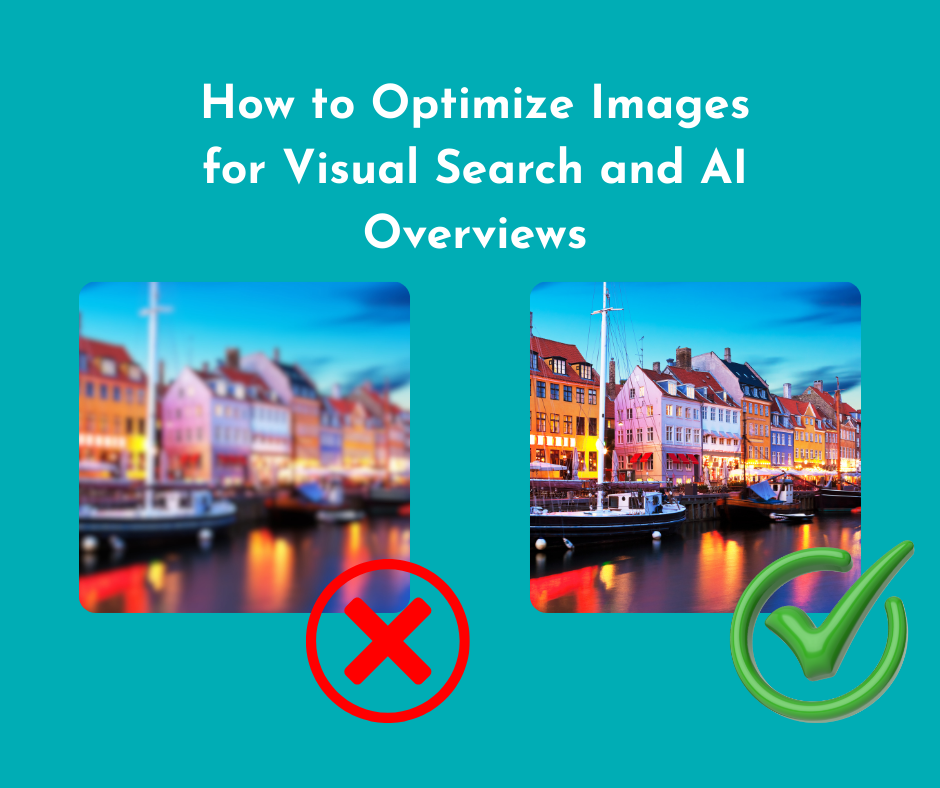
Most business owners believe that images on a website act as decorative elements. While that's partially true, images have now become powerful tools that can:
Drive traffic
Boost engagement
Help customers find your products through visual search
Since more people are now using images on their websites to enjoy their benefits, it's important to learn how to optimize these visuals. This is because visual search and AI Overviews are changing the way people are finding products, services, and information online, and a single high-quality image can connect potential customers to your business fast.
At Sapphire SEO Solutions, we give images the respect they deserve. Our SEO experts understand their importance and how they can impact a site's SEO, which is why we always stay updated with the best practices when it comes to image SEO. Request a free site audit to determine if the visuals on your site are going the extra mile to get your brand the attention it needs.
In this comprehensive guide, we will cover the following:
What is visual search?
Why does visual search matter for SEO?
How do images affect AI overviews?
The best practices to optimize images for better discoverability
What Is Visual Search?
Traditionally, people have been searching the internet using text. Recently, the latest advancements in artificial intelligence have allowed users to search the internet using images. This is commonly referred to as visual search.
How does it work? When someone snaps a picture and uploads it to a relevant search engine, the search engine analyzes the image and tries to find matching products, places, ideas, or information. This practice removes the guesswork of figuring out what to type into the search, providing users with a more natural way to search.
Why does this matter? Visual search tools can help potential customers connect with small businesses and their products. If your images are optimized, your products can appear in visual search results.
Types of Visual Search
There are many different types of visual search, each involving tools and computer vision technology. It's important to understand how visual search engines work to help you optimize your images properly.
Here are the different types of visual searches:
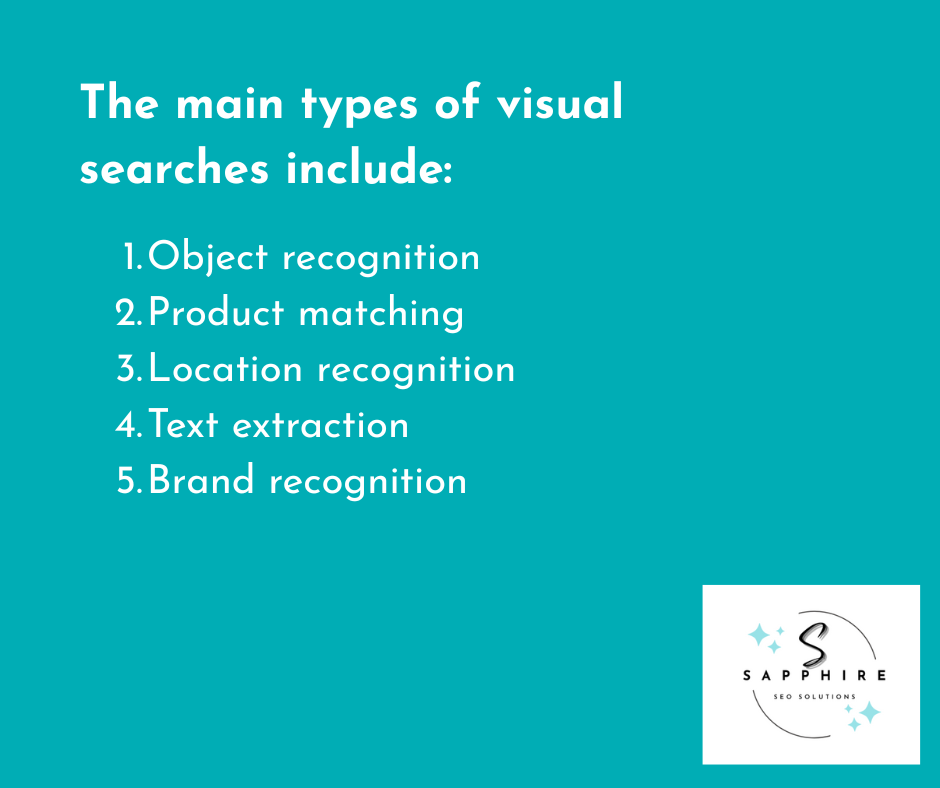
Object recognition, where a system identifies what is in the photo.
Product matching, used heavily in e-commerce.
Landmark and location recognition for travel and local businesses.
Text extraction through OCR, which reads labels or signs inside images.
Logo and brand recognition for identifying brands instantly.
Visual Search vs Reverse Image Search
There is a massive difference between visual search and reverse image search, yet most people confuse the two, using these terms interchangeably.
Reverse image search is all about finding the exact same image after you upload it on the internet. It's a great way to find duplicates or the original source.
On the other hand, visual search is much smarter. It analyzes the objects inside the uploaded image and understands what they are, and then search engines show similar images or products to the searcher.
Understanding this difference is important for business owners. Platforms like Google Lens and Pinterest Lens rely on visual understanding rather than pixel matching. This creates opportunities for your images to appear when customers search with their camera.
Key Platforms That Power Visual Search
Currently, there are several platforms that provide visual search capabilities, and they include the following:
Google Lens
Pinterest Lens
Bing Visual Search (far more visually immersive search results than Google Images, often containing extra features like ratings, reviews, and prices)
How Does Visual Search Work?
Visual search is an AI-powered search that takes your image, analyzes it in incredible detail, and compares it to millions of other images on the internet.
Why? This comparison helps the visual search engine to interpret images accurately, allowing it to provide users with the closest match based on user queries.
It's important to optimize your images properly so that it is easier for these systems to understand them. For small businesses, it's another entry point for search traffic.
Let's look at some important parts of the visual search system for a better understanding.
Feature Extraction and Visual Descriptors
The first step in visual search involves breaking the image into visual elements. This is often referred to as feature extraction, as the system analyzes the shapes, edges, colors, patterns, textures, and other elements. These then become "descriptors," which are summaries of the key elements so that the search engine can display images in the search results.
Image Embeddings and Vector Similarity
After analyzing the image, the AI system turns it into a vector, which refers to a long line of numbers that represents what the system understands about the image. For accurate vectors, it's important to use high-resolution images.
This vector is essential for comparison purposes. The search engine takes your vector and compares it with other vectors in its database, looking for the closest match. Clean, high-quality image files perform better, often appearing as relevant images in search results.
Multimodal Models and Fan Out Queries
A few years ago, visual search systems only handled images. Today, they are capable of using visual signals with text. This is often referred to as multimodal search, and it helps the system understand user intent across different input types, including voice search.
When a user uploads a photo on the visual search engine, the system performs several mini searches at once to:
Detect objects
Read text through OCR
Identify brands
Understand the setting
All of these searches are referred to as "fan out" queries, and they are important as they help match relevant queries, returning richer and more precise results.
Ranking and Relevance Signals
After the system finds potential matches, it ranks them for search results. There are several factors that influence ranking, and they include the following:
Image quality
Relevance of the page the image appears on
Structured data (Image schema markup)
Alt text and captions
Product feed information
User behavior signals
Images that live on fast pages and have clear descriptions with proper structured data and accurate alt text have a higher chance of ranking than those that don't.
On-Device vs Cloud Processing
There are two ways visual searches can happen, and they include:
On-device processing: This type of processing happens on mobile devices and is often fast, private, but limited.
Cloud processing: This type of processing is more powerful than on-device processing, as it has access to bigger models and huge image libraries that fuel AI-driven search.
In many cases, visual search tools adopt a hybrid approach, which combines the best of both. This ensures speed without losing accuracy, allowing for accurate, relevant results.
OCR and Scene Understanding
This is a huge part of the modern visual search. It helps the systems:
Detect text inside images
Understand labels on products
Recognize the environment around the object
Adding text alongside images in plain language provides the system with more context. This is why contextual optimization has become more important than ever.
Why Is Visual Search Important for SEO?
Image SEO has become an essential component of search engine optimization, as more and more people are starting to use visual search to find products and information. It's become integral to modern SEO for several reasons, some of which include the following:
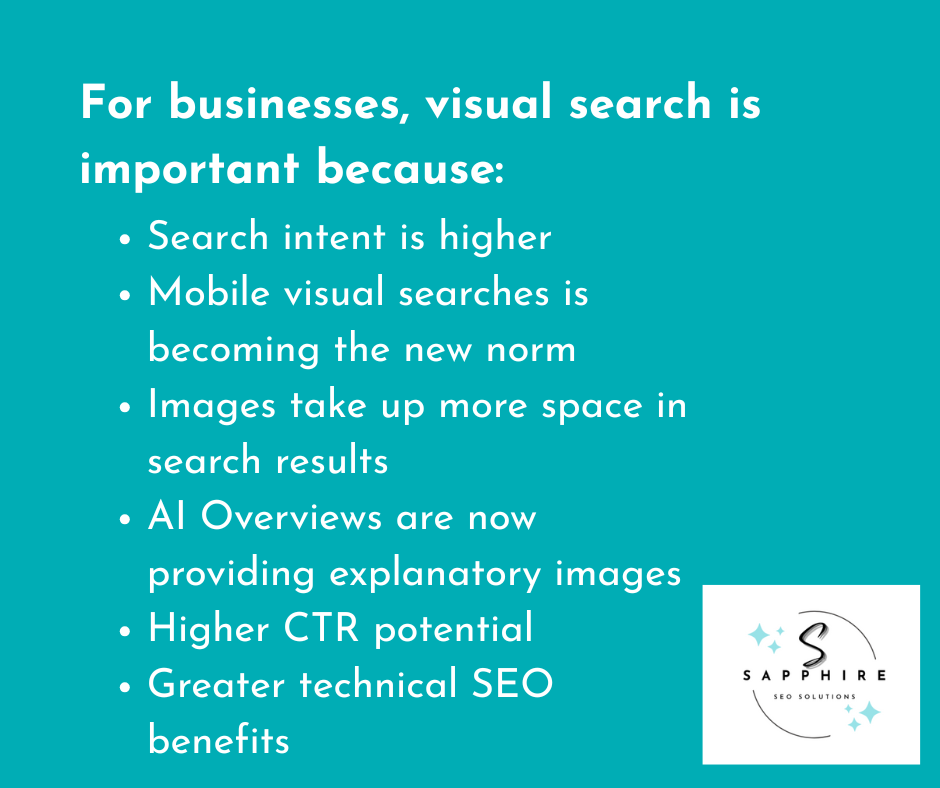
Search Intent Is Often Higher With Image-Based Queries
When people use visual search, they want to:
Identify something
Compare options
Buy a similar product
What this means is that people using visual search have a stronger purchase intent and higher user engagement.
So, if your business is selling products that show up in these search results, it brings you one step closer to customers who are looking for that product. For e-commerce sites, this means more organic traffic from qualified buyers.
Mobile First Behavior Is Driving Visual Discovery
The majority of the visual searches occur on mobile devices. This is because it's incredibly convenient, as users can simply point their cameras at something and take a snap before getting immediate results. It's another major reason why optimizing images for visual search is essential for your digital marketing strategy.
Images Take Up More Space in Search Results
Previously, text and website recommendations would take place in search results. Today, things are a bit different.
Most of the search results for real estate go to images, as search engines are displaying more visuals in Google search results and across search engine results pages as rich results. They often come up in the following:
AI Overviews
Featured snippets
Image packs
Shopping results
Knowledge panels
Local search
Well-optimized images increase your chances of appearing in multiple of the abovementioned spots. This means more visibility, which translates to more clicks.
AI Overviews and Generative Results Use Images
When a user asks an AI search engine a question, they may receive explanatory images or product suggestions. This shows that AI-driven results often rely on visuals.
The best part is that these images come from websites or brands that have strong image SEO. This significantly boosts their AI visibility.
Higher CTR and Conversion Potential
For better rankings and attracting attention, you need good visuals. If the visual search engine picks your images, they will appear alongside other images. This means that the right lighting or angle can make a huge difference, encouraging users to tap on your photos instead of others.
For stronger click-through rates, focus on optimizing images for visual discovery alongside high-quality content. This helps users decide faster.
Strong Competitive Advantage for Key Verticals
Visual search adoption is strongest in areas like fashion, accessories, beauty, home decor, food, travel, and real estate. For these industries, aesthetics is important, and so is good image optimization. This helps brands stand out and get discovered not just in traditional blue links but throughout Google search results.
Technical SEO Benefits
In addition to improving rankings, optimizing visual content also strengthens technical SEO foundations across all web pages. How so, you may ask?
Technical SEO is important for helping search engines understand your web pages and content better, and with optimized images, it further enhances that, allowing search engines to understand your site even better.
Here are some of the technical SEO benefits that you can expect when you properly optimize images:
Better load times
Cleaner file structures
Improved accessibility
Clearer page context for search engines
More reliable indexing
Structured Data and Product Schema Matter More
To understand product images, search engines rely on structured data. With the right structured data type, you can tell search engines what your images represent, what the product is, and how it should be displayed.
Adding structured data improves the chances of your images appearing in shopping results, AI overviews, and other rich displays.
Accessibility and Semantic Signals Strengthen SEO
While alt-text, captions, and surrounding copy illustrate what the image is about to visually impaired users, it also helps search engines understand your images.
Writing alt-text creates strong semantic signals, boosts relevance, and improves your chances of appearing for the right searches.
Monitor Performance and Image KPIs
Monitoring images can help small businesses identify quick wins. You can track how your images perform by using Google Search Console. This lets you see many different metrics, including:
Image impressions
Clicks
Appearance in rich results, including Google Discover
When optimizing images, don't forget to also optimize your page title. This ensures maximum visibility.
Then, monitor the changes you've made. It'll help you identify whether you need to update file names, alt-text, or image quality later on down the road.
Multilingual and International Opportunities
For businesses that serve customers across the globe, optimizing images can help them reach a wider audience.
In fact, optimizing image titles, using localized alt-tag content, and translating captions can increase the chances of the images showing up in the right markets.
Optimizing Images for Visual Search: 18 Best Practices to Follow
Here are some of the best practices when it comes to optimizing images for your site:
Use high-quality images with descriptive file names and accurate image captions, and make sure it is the right file format.
Since large images can slow down your site, make sure to compress the files (WebP and AVIF are perfect file formats for that) for faster loading and better user experience without resorting to keyword stuffing.
A descriptive file name (simple, keyword-focused language) while adding schema markup can deliver better results.
Alt-texts should be SEO-friendly, meaning they should be short and describe what the image is about.
Use captions, as they give more context about the image, making it more meaningful for users and search engines.
Use helpful descriptions around the image, such as a short product description, as search engines rely on them to understand the picture, further strengthening relevance.
Use ImageObject or include image details in Product schema when relevant, as this helps your images appear in richer search results.
Submit an image sitemap to improve indexing and visibility, as this helps search engines discover all of your images.
Images from multiple angles provide visual search systems with more data, allowing them to perform better and improve matching accuracy.
Since different devices require different image sizes, responsive images help browsers choose the right version, improving load speed, enhancing user experience, and boosting SEO.
For backups, which some browsers need, you can use images in JPEG or PNG format, ensuring every visitor sees your pictures correctly.
Add clear EXIF and IPTC metadata, as it can help with organization and attribution.
Optimize your CDN and caching, as it helps return images faster and improves user experience.
Implement lazy loading properly and provide proper attributes so that search engines can access and index your images.
Choosing the right format for images is crucial. JPEG or AVIF for photos, PNG for images that need transparency, and SVG for logos and simple graphics.
Search engines prefer images that follow privacy practices, so make sure to include photos with people only if you have permission, and never ever avoid exposing personal information.
Avoid duplicate images, as the same images across multiple pages can confuse search engines and affect indexing.
Always monitor how your images perform in Google Search Console, as this lets you fine-tune your strategy and improve results over time.
Optimize Your Images with Sapphire SEO Solutions
Many business owners fail to optimize images properly, as they don't have the technical know-how. But don't worry, as this is where we step in.
Sapphire SEO Solutions can:
Audit your images
Fix performance issues
Improve your alt text and file structure
Add proper schema
Prepare your visuals for search, AI overviews, and product discovery
Our SEO experts will optimize your images to work harder, allowing you to attract more customers with less effort.
If you want your products to stand out or need images for your site that're properly optimized, reach out to our experienced team. Fill out the online contact us form to schedule a free consultation today!
Frequently Asked Questions - How to Optimize Images for Visual Search and AI Overviews
How do I make my images discoverable by Google Lens and other visual search tools?
Use standard HTML <img> elements, give images descriptive file names and alt text, add nearby contextual copy, and include structured data when relevant. Also, make sure images are reachable without being hidden in CSS or inaccessible JavaScript. These steps help crawlers find and understand your images and make them eligible for visual search and AI features.
Which image formats should I use for the best results?
Prefer modern formats like WebP or AVIF for smaller file sizes and better quality, but provide JPEG/PNG fallbacks so all browsers display the image. Google Search supports WebP and AVIF among other formats, and using next-gen formats improves load time, which helps SEO. Balance compression and decode speed when choosing between WebP and AVIF.
How should I write alt text so visual search and AI overviews use my images?
Keep alt text concise and descriptive. Describe what the image actually shows and include the main product or purpose. Avoid keyword stuffing. Good alt text helps screen readers and gives search engines a reliable textual signal about the image. Aim for clarity over marketing copy.
Do I need an image sitemap, and how do I submit one?
Yes. An image sitemap helps search engines find images that might otherwise be missed, such as those loaded by JavaScript. You can add image tags to your existing sitemap or create a separate image sitemap, then submit it via Google Search Console or reference it in robots.txt. This improves indexing coverage.
How many image angles or variants should I include on product pages?
Show several views: at minimum a front view, a close-up of key details, and one contextual or in-use shot. If possible, add alternate colors, a 360 or short clip, and multiple aspect ratios for thumbnails. More relevant angles increase the chance that visual search systems will match your product to a user's photo.