

Google Business Profile Optimization for Landscapers
Most landscaping businesses already have a Google Business Profile. Google creates them automatically in a lot of cases, so your profile might already be sitting there whether you set it up or not. But having one isn't the same as actually using it well.
Sapphire SEO Solutions is a dependable SEO agency that helps small landscaping businesses stand out in a crowded market. Our SEO experts are certified, meaning they have the knowledge and expertise to boost your online visibility and improve your bottom line.
This guide is about Google Business Profile optimization for landscapers, specifically, making your free business profile as complete and accurate as possible. That's the focus here.
Key Takeaways
Having a Google Business Profile isn't enough. Optimizing every section is what turns visitors into calls.
Your primary category is one of the most important choices you'll make. Pick what you actually do most.
Photos, reviews, and regular updates build trust. Homeowners choose the landscaper whose profile looks active.
A consistent review process generates more leads over time. Ask after every completed job, every single time.
Treat your profile as an ongoing business asset. A quarterly check keeps everything accurate and working.
Complete Every Section of Your Google Business Profile
68% of online experiences, as reported by Ahrefs, begin with a search engine. And in many cases, the search engine takes customers to the Map Pack. The top three businesses here get the most clicks. This makes Google Business Profile crucial for your business.
Google lets you fill out a lot on your business profile. Most landscapers fill out maybe half of it. That's a mistake.
When a homeowner lands on your profile, they're making a quick decision about whether to call you or move on. A profile that's missing information feels unfinished. And unfinished doesn't inspire confidence.
Here are the key elements you should have filled out completely:
Business name — exactly as it appears on your signage and invoices
Contact details — your main phone number, easy to find
Website link — sends people where they can learn more
Business hours — including holiday hours when the season changes
Business description — a short, honest summary of what you do and who you serve
Opening date — shows how long you've been in business
Attributes — things like "family-owned" or "free estimates," where applicable
Logo — helps people recognize your brand
Cover photo — the first visual impression your profile makes
Business categories — more on this in the next section
The business information you provide tells Google what your company does and where. The business address needs to be accurate and consistent with what's listed everywhere else your business appears online. Business details that contradict each other across different platforms create confusion for both Google and the homeowners trying to reach you.
Fill everything out. All of it.
Getting found on Google Maps involves more than just your profile, and if you want to dig into that side of things, Google Maps SEO for Landscapers covers it in full.

Choose the Right Primary and Secondary Categories
Categories tell Google what kind of business you are. For any service-based business, getting this right matters more than most people realize.
Your primary category carries the most weight. It should reflect what you do most. If the bulk of your work is general landscaping, "Landscaper" is probably your primary. If you're mainly a lawn care service focused on mowing and maintenance, pick that instead. Don't pick a category because it sounds good. Pick the one that actually describes your business.
Secondary categories are where you fill in the rest. The landscaping industry covers a wide range of local services, and Google gives you room to reflect that. Depending on what you actually offer, your secondary categories might include:
Lawn Care Service
Landscape Designer
Irrigation Contractor
Tree Service
Landscape Lighting Designer
Excavating Contractor
But here's the thing: only add categories that match services you genuinely provide. Adding a category for tree service when you don't do tree work is category stuffing. It confuses potential customers and misrepresents your business. Not worth it.
Also, businesses change. You might add hardscaping one year, drop a service the next. Go back and review your categories every few months. Make sure they still reflect what your crew is actually doing out in the field.
Start with the right primary. Add secondaries that are true. Keep it current.

Write a Business Description That Builds Trust
Google gives you 750 characters for your business description. Many landscaping businesses either leave it blank or stuff it with keywords until it reads like a list. Neither one builds customer trust.
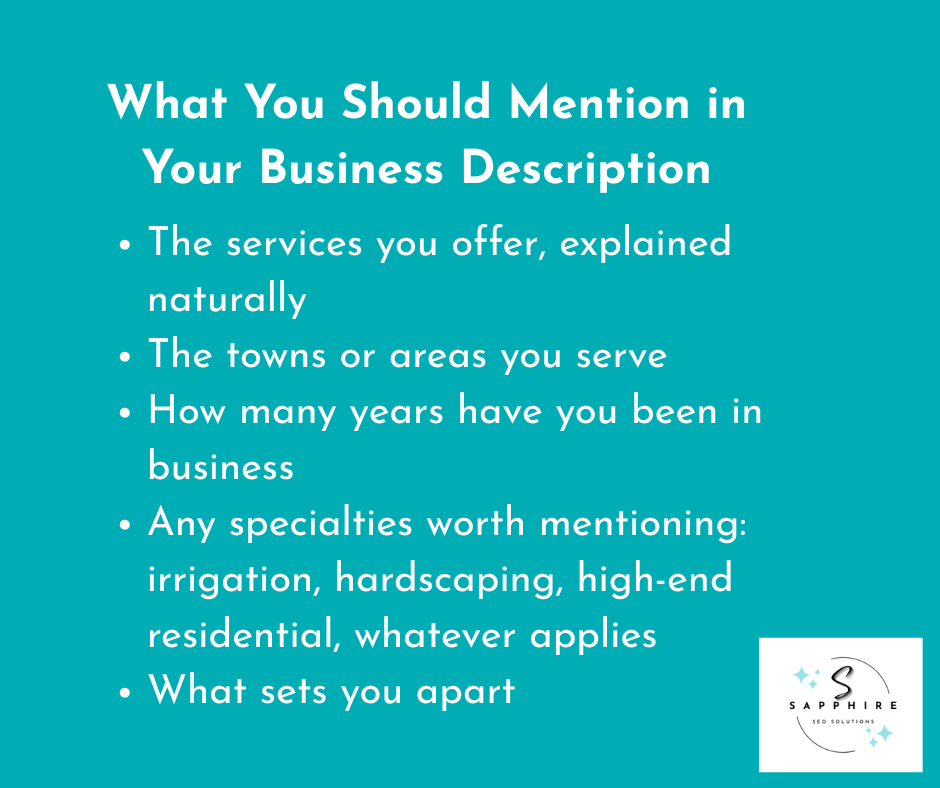
Write it like you're talking to a homeowner who just found your profile and wants to know if you're the right fit. Tell them what you do, where you work, how long you've been doing it, and what makes you different from the other guys.
A solid description covers:
The services you offer, explained naturally
The towns or areas you serve
How many years have you been in business
Any specialties worth mentioning: irrigation, hardscaping, high-end residential, whatever applies
What sets you apart
Keyword stuffing kills readability. A description crammed with repeated terms feels off to real people, even if they can't explain why. Keep it readable. Write for the homeowner first.
Landscaping companies that do this well tend to write descriptions that sound like something a real person actually said. That's the goal. Not keyword-rich copy that sounds robotic, but honest, clear language that tells someone exactly who you are and why they should call you.
That's one of the key strategies that separates a profile that converts from one that just exists.
Add Every Landscaping Service You Offer
Categories, services, and website pages are three different things. A lot of landscapers confuse them.
Your category tells Google what type of business you are. Your website pages go into detail about what you offer. The services section on your business profile sits in between. It's a list of exactly what you do, separate from both.
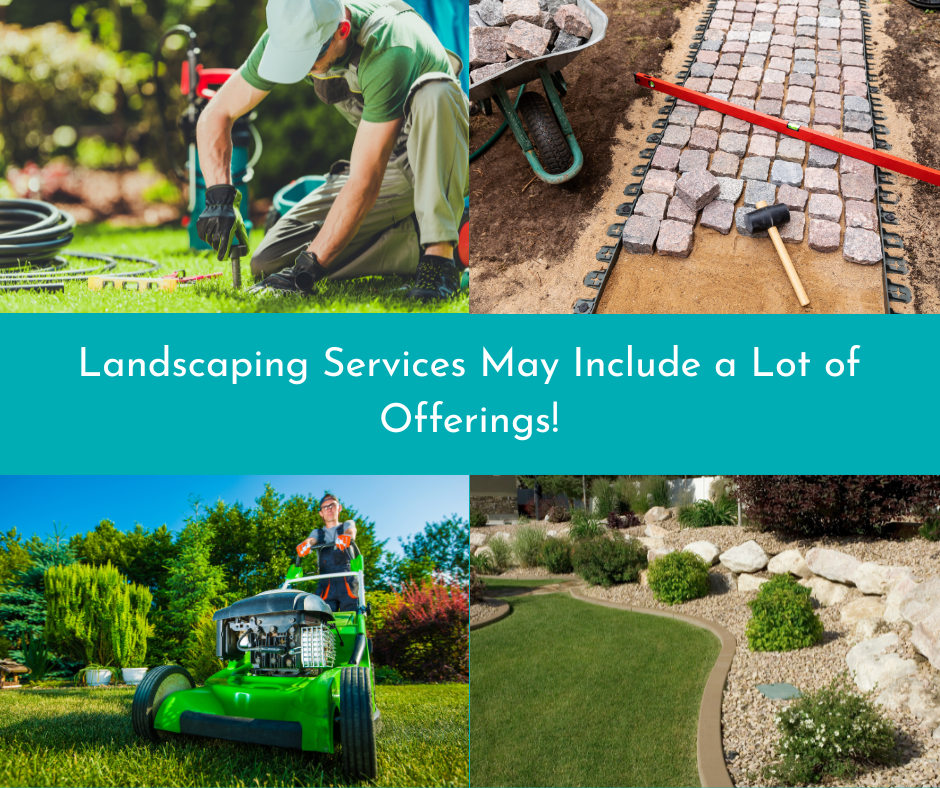
Add every service you actually offer. For most landscaping companies, that list might look something like:
Lawn Maintenance
Patio Installation
Landscape Design
Irrigation Repair
Retaining Walls
Sod Installation
Mulching
Drainage Solutions
Outdoor Lighting
Seasonal services belong on that list too. If you do snow removal in winter or aeration in fall, add them. Remove them when you're no longer offering them. Keeping this current matters because homeowners searching for a specific service will see exactly what you offer before they ever click through to your website.
Landscaping services change as businesses grow. A company that started with basic lawn maintenance might add hardscaping three years in. Update the list when that happens.
Each service can also have a description and a price range if you choose to add one. You don't have to. But the more complete this section is, the more useful your profile becomes to someone deciding whether to call you.
Optimize Your Service Areas
Google lets service area businesses list the cities, towns, and ZIP codes they actually serve. Use that section honestly.
Pick the areas where you're genuinely taking on work. If you serve a local community 45 minutes away, add it. If you stopped serving a town two years ago because it wasn't worth the drive, remove it. Keeping outdated locations on your profile creates a bad experience for homeowners who reach out expecting you to serve their area.
Your service areas should reflect your actual operations. Not your ideal territory. Not everywhere you'd theoretically go for the right job. Where you actually work.
As your business grows and you push into new parts of your local market, update the list. It takes two minutes and keeps your profile accurate for the people checking it.
Don't pad the list trying to appear bigger than you are. Homeowners notice when a company claims to serve everywhere. It feels off. Stick to what's real.

Upload Photos and Videos That Build Confidence
Homeowners hire landscapers based on trust. And nothing builds trust faster than seeing the actual work.
Before and after photos are the most powerful thing you can put on your profile. A patchy lawn transformed into clean turf. A bare backyard turned into a finished patio. That kind of visual proof does more than any written description ever could. Satisfied customers are often happy to let you photograph the finished job. Just ask.
In addition to before and afters, upload photos that show the full picture of your business. They include:
Completed projects across different service types
Work in progress (people like seeing how the job gets done)
Your crew is working on-site
Equipment and trucks (It shows you're a real, established operation)
Your office or yard, if you have one
Seasonal work like snow removal, fall cleanups, or spring installs
Videos work well too. A short walkthrough of a finished project, a time-lapse of an installation, a quick introduction from the owner. All of these give homeowners a better sense of who they're dealing with before they ever pick up the phone. Google Business Profile supports videos up to 30 seconds long and 75MB in size, so keep clips short and focused.
A few things to keep in mind when it comes to high-quality photos:
Shoot in good lighting. Natural daylight works best for outdoor projects.
Use a decent camera or a modern smartphone. Blurry or dark images hurt more than they help.
Update your photos regularly. A profile with photos from four years ago feels neglected.
Skip the stock photography. Homeowners can tell. It feels dishonest, and it is.
Authenticity matters more than polish here. Real photos of real work will always outperform staged shots that don't reflect your actual business.
Keep Your Profile Active
Setting up your profile and walking away is one of the most common mistakes landscaping companies make. A profile that hasn't been touched in eight months tells homeowners something, and it's not something good.
Google Business Profile posts are one of the easiest ways to show that your business is active and paying attention. Google posts disappear after a certain period, so adding new ones regularly keeps your profile looking current. What's worth posting? Quite a bit, actually:
Seasonal offers (spring cleanups, fall leaf removal, winter prep)
Promotions or limited-time deals
Completed projects with a photo and a short description
Educational tips homeowners find useful (how to water a lawn in summer, when to aerate, that kind of thing)
Company updates like new services, new team members, or equipment
But posts aren't the only thing that needs to stay up to date. The rest of your profile needs regular attention too:
Hours — especially around holidays and seasonal slowdowns
Photos — add new project shots as work gets done
Services — update the list when things change
Holiday schedules — don't leave homeowners guessing whether you're open
Client engagement doesn't have to be complicated. Respond to questions, keep information accurate, and post occasionally. A homeowner comparing two landscapers is going to feel better about the one whose profile looks like someone actually runs it.
An active profile is a better experience for everyone who finds it. Read our detailed guide on “Does Posting on Google My Business Help SEO?” to learn more about the importance of GBP for local SEO.
Make It Easy for Homeowners to Contact You
Most people find your profile on Google on mobile devices. They're not sitting at a desk researching landscapers for an hour. They're standing in their backyard, looking at their lawn, and deciding right now whether to call someone.
Don't make them work for it.
Every contact option on your profile should be set up and working. That means:
A phone number that's correct and actually answered
A website button that goes somewhere useful
An appointment URL if you use any kind of booking system
Messaging turned on if you're able to respond quickly
Phone calls are still how most landscaping jobs start. Make sure your number is right. Check it. Call it yourself if you have to.
Potential customers who have to dig around to find contact information tend to move on. A direct link to your booking page or contact form removes that friction entirely. If you offer free estimates, say so clearly somewhere on your profile and make it obvious how to request one.
Accurate business hours matter here too. A homeowner who calls at 7 pm on a Tuesday because your profile says you're open and nobody answers is a lost lead.
Fast responses to messages signal that you're professional and easy to work with. That impression starts before they've even spoken to you.
Build a Review Management Process
Getting positive reviews isn't about luck. It's about having a process and actually following it.
Ask after every completed project. Not a week later. Not when you remember. Right when the job wraps up, and the homeowner is standing there happy with what they're looking at. That's the moment. A simple "would you mind leaving us a Google review?" goes a long way when the experience is still fresh.
Make it part of your sales process. Train whoever closes out jobs to ask every single time. Send a follow-up text with a direct link to your review page. Remove every possible obstacle between the happy customer and the submit button.
Then respond to every review. The good ones and the bad ones.
Thanking someone for a positive review takes thirty seconds and shows new customers reading your profile that you're engaged. Handling a negative review professionally without getting defensive and without making excuses actually builds more trust than a perfect five-star rating does. People know things occasionally go wrong. How you respond tells them more about your business than the complaint itself.
Never buy reviews. It violates Google's policies, it's obvious to anyone paying attention, and it puts your entire profile at risk. Read our detailed guide on “The Role of Online Reviews in Local SEO Rankings“ to learn more about the importance of online reviews for local SEO.
Encourage Customers to Upload Their Own Photos
Your photos are good. Your customers' photos are better, at least as far as trust goes.
When a homeowner uploads a picture of the patio you built or the lawn you've been maintaining, that carries weight. It's not a business showing off its own work. It's a real person, with no reason to sugarcoat anything, sharing what they got. Future homeowners notice that difference.
Ask satisfied customers to upload a photo when you ask them for a review. Most people don't think to do it on their own, but if you mention it, plenty will. A quick "feel free to throw up a photo too" is all it takes.
Customer-generated content builds the kind of authenticity that no marketing budget can replicate. It shows completed work through someone else's eyes. And that's exactly what pulls in more local customers.
Answer Questions and Respond to Customers
Google Business Profile has a Q&A section that shows up when your business appears in search results. Most landscapers ignore it completely. That's a problem, because anyone can post a question there, and anyone can answer it too.
That last part matters. If you're not monitoring your Q&A section, a competitor or a random stranger could answer questions about your business. And those answers stick around.
Get ahead of it. Seed the section yourself with questions potential customers search for most often:
Do you offer free estimates?
What areas do you serve?
Are you licensed and insured?
Do you offer seasonal contracts?
Answer them clearly and honestly. Then check back regularly to make sure nothing inaccurate has crept in. Correct misinformation quickly when it appears.
The same logic applies to reviews and direct messages. Respond to everything. A landscaping company that answers questions, replies to reviews, and responds to messages looks like a company that actually cares about its customers. One that doesn't respond to anything looks like nobody's home.
Responsiveness is a form of professionalism. Homeowners picking between two landscapers will notice which one engages and which one doesn't. That observation happens before a single phone call is made.
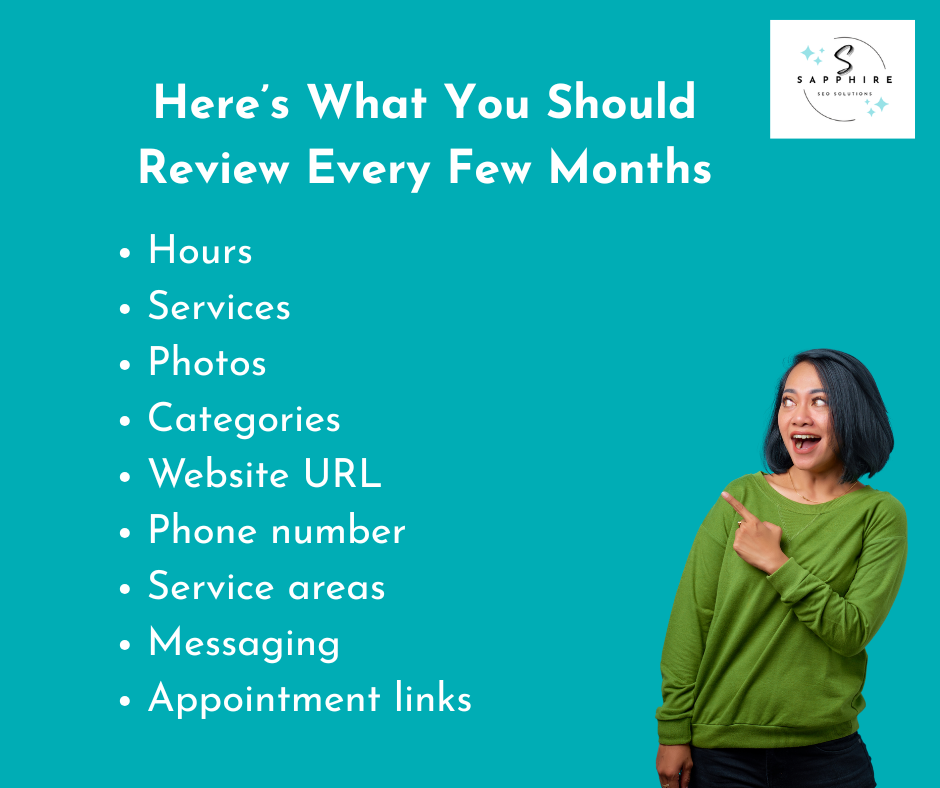
Review Your Profile Every Few Months
Your business listing isn't a one-time project. It's something that needs occasional attention to stay accurate and useful.
Set a reminder every three months or so. When it goes off, run through this checklist:
Hours — still accurate, including any seasonal changes?
Services — anything added or dropped since you last checked?
Photos — when did you last add something new?
Categories — do they still reflect what your business actually does?
Website URL — does it go where it's supposed to?
Phone number — correct and answered during listed hours?
Service areas — still serving everywhere on that list?
Messaging — turned on, and are you actually responding?
Appointment links — working properly?
It takes maybe fifteen minutes. But a strong online presence isn't built once and left alone. Small things drift over time: a phone number changes, a service gets dropped, hours shift. Catching those things early keeps your profile working the way it should.
Measure Performance with Google Business Profile Insights
Google gives you data on how your profile is performing. Most landscapers never look at it. That's a missed opportunity.
Inside your profile, Insights tracks what's actually happening when homeowners find you in search results. The numbers worth paying attention to:
Calls — how many people called directly from your profile
Website clicks — how many clicked through to your site
Direction requests — how many looked up directions to your location
Searches — total queries that brought up your profile
Discovery searches — people who found you searching for a service, not your name
Branded searches — people who searched for your business by name
Photo views — how often your photos are being seen
Discovery searches are particularly telling. A high number means people are finding you without already knowing who you are. That's your profile doing real work.
Use this data to figure out what needs attention. Photo views dropping off? Time to upload fresh ones. Very few calls despite decent search numbers? Your contact information or hours might be the issue.
Insights works alongside tools like Google Analytics and Google Search Console, but it focuses specifically on how your profile performs across search engine results pages. Check it every time you do your quarterly profile review.
How Google Business Profile Supports Your Landscaping SEO Strategy
Your Google Business Profile is one piece of a bigger picture. It helps with local search visibility and gives you a presence in Google Maps and the local pack. Those top three business results that show up when someone searches for a landscaper nearby. But it doesn't work alone.
Landscaping SEO covers a lot more ground. Your website, content, local keywords, local directories, and overall local presence all play a role in where you land in local search results. A well-optimized profile and a strong website work together. One without the other leaves gaps.
If you want to understand how search engine optimization fits into your broader growth strategy, What Is Landscaping SEO? is a good place to start. And if you're ready to put it all to work, take a look at our Landscaping SEO Services.
Optimize Your Profile and Fill Your Schedule with Sapphire SEO Solutions!
None of this is complicated. But it does require consistency.
A complete profile beats an incomplete one. An active profile beats a neglected one. A landscaper who updates their hours, responds to reviews, posts occasional updates, and keeps their services current is going to make a better impression than one who set it up three years ago and never looked back.
Small improvements add up. Fix one thing today, another next week. Over time, that compounds into a profile that genuinely works for your business.
Improve local SEO, strengthen your search engine visibility, and build local search rankings that bring in real calls. If you're ready to go further, our Landscaping SEO Services can help. Contact us for a free consultation with an SEO expert, and we’ll audit your site and guide you on what to do next to get more customers!
Ready to order SEO-optimized blogs for your landscaping website? Place an online order through our intuitive dashboard today!

Frequently Asked Questions
How can landscapers improve their local search ranking using Google Business Profiles?
Start with the basics. Complete every section of your profile, choose accurate categories, keep your hours current, upload real photos regularly, and build a steady stream of genuine reviews. Google prioritizes businesses with complete, active profiles over ones that look abandoned.
How can I set up a free online business listing for a landscaping company?
Go to google.com/business and claim or create your profile. It's free. You'll need to verify your business, usually through a postcard, phone call, or email, depending on your business type.
Where can I find services that specialize in optimizing Google Business listings for landscapers?
SEO agencies that focus on the trades and home services industry typically offer this. Look for ones with experience working specifically with local businesses in the landscaping space.
What features should a landscaper highlight for better customer engagement?
Photos of completed work, accurate service lists, a strong business description, and an active Q&A section. Fast responses to reviews and messages matter too.
Which categories suit a full-service landscaping business?
"Landscaper" is the most common primary category. Secondaries depend on your services — Lawn Care Service, Landscape Designer, and Irrigation Contractor are all worth considering where they apply.
How can I add services and photos to my profile?
Log into your Google Business Profile dashboard, navigate to the relevant section, and add from there. Both are straightforward to update at any time.
How many photos should a landscaping company upload?
There's no hard cap. More is generally better, as long as the quality is there. Aim for at least ten to start, and keep adding as projects wrap up.
Can multiple employees manage one Google Business Profile?
Yes. You can add managers through the profile settings without giving them full ownership access.