

Google Maps SEO for Landscapers: How to Rank Higher in Local Map Pack
Most homeowners never visit a landscaper's website. They open Google, search for what they need, and start comparing businesses right there in the results. Star ratings, photos, reviews, and a phone number. That's enough for a lot of people to make a call.
That's why Google Maps SEO for landscapers matters. If your business isn't showing up in those local search results, you're invisible to customers who are actively looking to hire someone.
This guide is specifically about online visibility in Google Maps. Not SEO in general. Not paid ads. Just Maps: what drives your ranking there, what hurts it, and what landscaping business owners need to understand to show up when it counts.
Key Takeaways
Most homeowners compare landscapers directly on Google Maps. They never visit your website.
Your Maps ranking shifts based on where the searcher is located, not just your service area.
Google ranks active profiles higher. Fresh photos, reviews, and updated info all send signals.
Keyword stuffing your business name violates Google's guidelines and can get your listing suspended.
Leads come from positions four through ten, too. The Local Finder is worth showing up in.
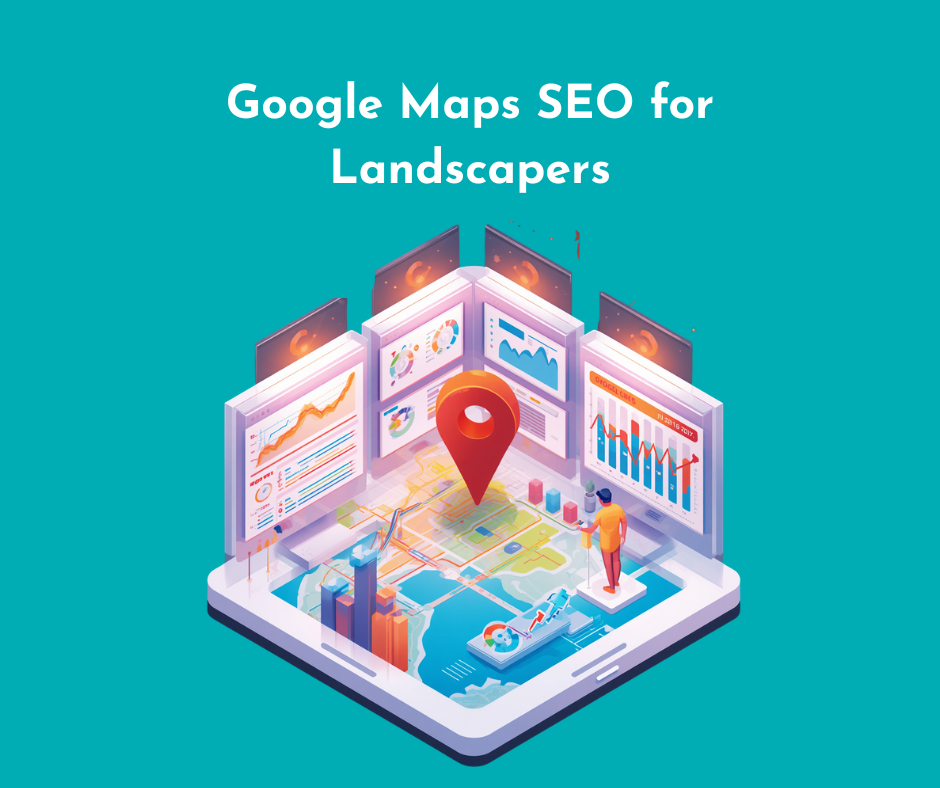
What Is Google Maps SEO?
Google Maps SEO is the work you do to show up higher when someone searches for a local service on Google. That's the short version.
Here's where it gets a little more specific, though. There are actually a few different places your business can appear, and they're not all the same thing. They include:
The Google Maps app is a standalone app people use to get directions or find nearby businesses. When someone opens it and searches "landscapers near me," that's one place your profile can show up.
The Local Pack is what appears in Google search results when someone searches from a browser. It's that block of three business listings with a small map beside them. Most people call it the Map Pack.
The Local Finder is what loads when someone clicks "more places" below that Map Pack. It's a longer list, still inside search engine results, but fewer people scroll that far.
Make sure to read our guide on "What Is Landscaping SEO" if you want context on how Maps fits into a broader strategy. But for now, the goal here is to help you show up when a homeowner nearby is searching for what you do.
Why Google Maps Matters for Landscaping Companies (Importance of Google Maps SEO for Landscapers)
Landscaping is about as local as a business gets. You're not shipping a product across the country. Your local customers are within a few miles, and they know it. So when they need someone, they search close to home.
And they're usually searching with a job already in mind. It could be:
A backyard that needs work
A patio installation they've been putting off
Lawn maintenance that they don't want to deal with anymore
Landscape design for a house they just bought
Irrigation systems that stopped working
Drainage solutions for a yard that floods every time it rains.
These aren't casual searches. These are people ready to hire.
When those searches happen, Google Maps is often where decisions get made. Landscaping companies show up with their rating, recent photos, a phone number, and a list of landscaping services. That's enough information for a lot of homeowners to pick up the phone without ever clicking through to a website.
More phone calls, quote requests, and direction requests. All of that can come directly from a Maps listing. And those phone calls come from prospective clients who are already sold enough to reach out.
How Homeowners Actually Use Google Maps When Hiring a Landscaper
Understanding how homeowners search helps explain why Maps visibility matters so much. So here's what actually happens when someone opens Google and starts looking for a landscaper.
Most of the time, they don't pick the first result and call. They compare. They open two or three listings, sometimes more.
First, they look at star ratings. A 4.8 gets more attention than a 4.1. That's just how it works. Then they read online reviews (not all of them, but the recent ones). They want to know if the crew showed up on time, if the finished job looked like the photos, and if the company was easy to work with.
Speaking of photos, those get browsed too. Most homeowners doing specific searches like "patio installation near me" or "landscape design" want to see actual work. Stock images don't cut it.
After that, they check service areas. Are you actually covering their neighborhood? Then they look at what services are listed. Does this company do what I need?
By the time a potential customer taps that call button or clicks directions, they've already made a judgment call. The website often doesn't factor in at all. They land on the first page of Maps results, compare two or three listings, and reach out to whoever earned their trust fastest.
That's the process. And it happens before your website ever enters the picture.
To learn more about the importance of online reviews for your landscaping business, make sure to read our detailed guide on "The Role of Online Reviews in Local SEO Rankings."
How Google Maps Rankings Actually Work
Google doesn't rank businesses randomly. There are real signals it looks at, and understanding them helps explain why some landscaping companies show up consistently, and others don't show up at all.
Category Relevance
Your Google Business Profile tells Google what kind of business you are. Categories are a big part of that. When someone searches for "lawn care near me" or "landscape design," Google is trying to match that search to businesses that actually offer those services.
Landscaping businesses often do a lot of things, including: lawn maintenance, hardscaping, tree work, irrigation, and drainage. The categories on your profile help Google understand the full range of what you do, so it can match your listing to the right searches. Your business name alone doesn't tell Google much. The rest of your profile fills in the gaps.
Searcher's Physical Location
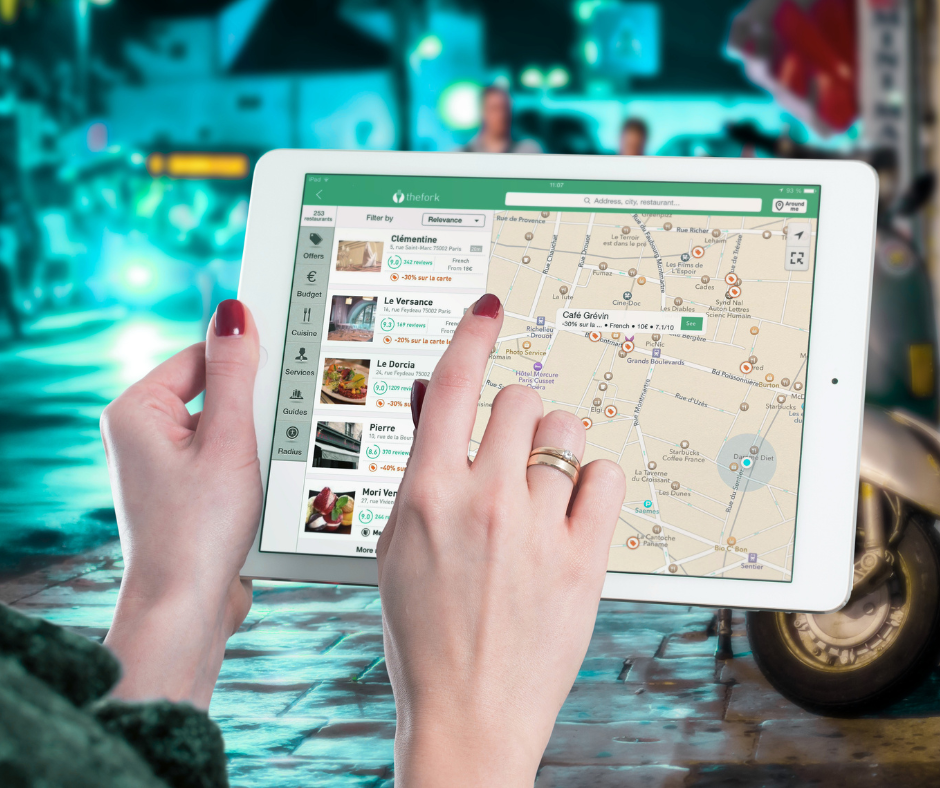
This one surprises a lot of people. Your search ranking isn't fixed. Two homeowners in the same city, searching for the same thing at the same time, can see completely different results depending on where they're sitting.
Someone a few blocks from your shop will likely see you higher than someone searching from across town. That's proximity at work. It's one of the core factors in local SEO, and it means there's no single ranking position for any business. It shifts constantly. Service areas help define your reach, but they don't override proximity entirely.
Business Activity Signals
Google pays attention to whether a profile looks alive or abandoned. New photos, profile updates, review activity, and responses to customer questions. All of it signals that a business is active and engaged.
A profile that hasn't been touched in a year doesn't inspire confidence. Maintaining a social media presence across platforms like Facebook and staying consistent across online directories contribute to how trustworthy your business looks. Consistent effort across all of these adds up over time.

Engagement Signals
When real people interact with your listing (calls placed directly from Maps, website clicks, direction requests, and profile interactions), Google takes note. That data feeds into your click-through rate and tells Google that searchers are finding your listing useful.
You don't need Google Analytics to understand the concept. More people acting on your listing signals that it's worth showing to more people. It's that straightforward.

Service Areas vs Physical Location: What Landscapers Need to Know
There's an important distinction Google makes between two types of businesses. A storefront business has a physical location that customers visit. A service-area business goes to the customer. Most landscaping companies fall into that second category.
Because of that, a lot of landscapers hide their home address on their profile. Google allows this. You can set a service area instead and keep your exact address out of public view. Lawn care companies operating out of a home, a small shop, or a yard where they store equipment often go this route.
But here's what a lot of people don't realize. Hiding your address doesn't remove proximity as a ranking factor. Google still has a general sense of where your business is based, and that influences where you show up. A new company operating out of the east side of a city will naturally rank better in searches coming from that side of town, even without a visible address.
That's why ranking across an entire metro area is genuinely difficult. You're not invisible outside your immediate area, but you're at a disadvantage the further a searcher is from your base of operations. Service areas tell Google where you work. They don't tell Google to treat all of those areas equally.
Geotagged Photos and Other Google Maps Myths
A few ideas circulate in landscaping forums and Facebook groups that sound logical but don't hold up. Here are some myths we're here to bust:
Do Geotagged Photos Help?
Geotagging means embedding location coordinates into a photo's metadata before uploading it. The idea is that it signals to Google where your work was done, which supposedly helps your ranking in that area.
Google has confirmed that it strips metadata from uploaded photos across Google products, including your Business Profile. So those coordinates don't survive the upload. Geotagged or not, the file that lands on your profile is the same either way.
What actually matters is photo quality and relevance. Real project photos. Finished work that looks good. Images that show what you actually do. For more information on using images for your landscaping website, make sure to read our detailed guides on "Can Adding More Pictures Increase SEO?" and "How to Optimize Images for Visual Search and AI Overviews."
Other Common Myths
A few other myths worth addressing quickly are:
More categories automatically equal better rankings - Not true. Irrelevant categories can actually confuse Google about what your business does. Relevant keywords in the right places matter more than volume.
Service areas alone determine rankings - They don't. As covered earlier, proximity to the searcher still plays a role regardless of how your service area is set up.
Adding specific keywords and specific phrases everywhere guarantees visibility - Stuffing your profile with keywords doesn't work and can get your listing flagged. Immediate results from keyword-heavy profiles aren't a thing.
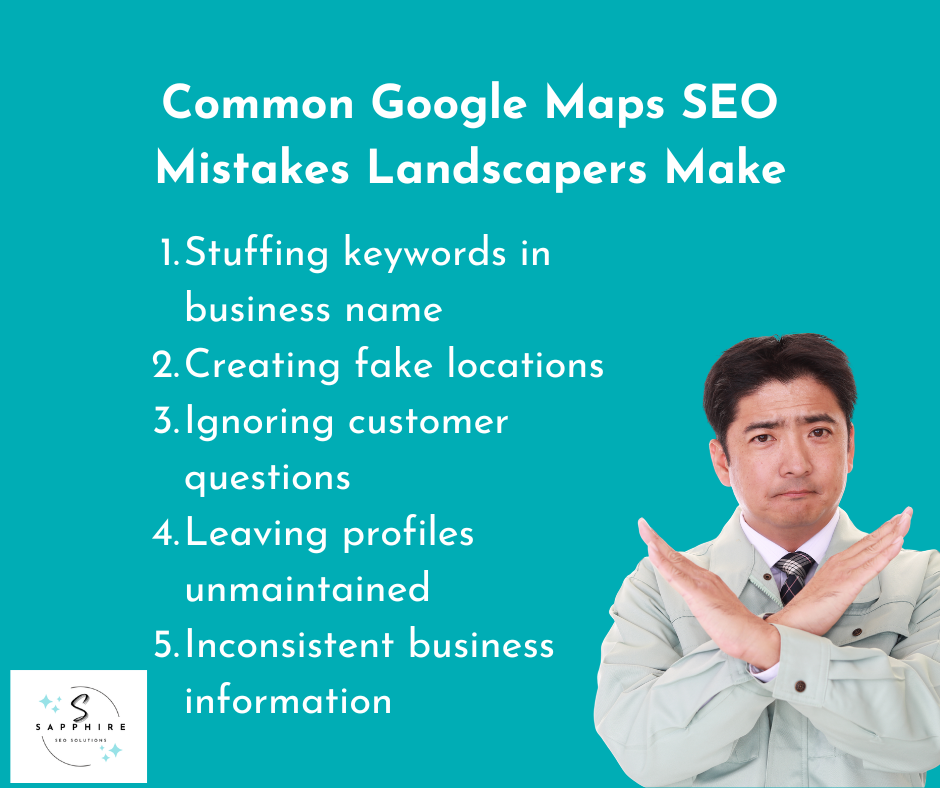
Common Google Maps SEO Mistakes Landscapers Make
Some of these mistakes are honest oversights. Others are shortcuts that backfire. Either way, they hurt your visibility and sometimes get listings suspended entirely.
Here are some of the most common Google Maps SEO mistakes landscapers make:
Keyword Stuffing Business Names
This one is common. A company adds words like "lawn care" or "landscaping services" to their business name on their profile, even if those words aren't part of their actual registered name. For example, a business called "Green Edge" becomes "Green Edge Lawn Care and Landscaping Services" on their profile.
Google's guidelines prohibit this. It can get your listing flagged or suspended. Your business name on your profile should match your actual business name.
Creating Fake Locations
Some businesses try to create listings at addresses where they don't actually operate, hoping to rank in more areas. Google catches this more often than people expect. Fake locations get removed, and the listings that access them can face penalties that affect your legitimate profile, too.
Ignoring Customer Questions
Google Maps has a Q&A feature. Homeowners ask questions directly on your profile. A lot of landscapers never check it. Left unanswered, those questions sit there, sometimes with answers from random strangers who may not even know your business.
Leaving Profiles Unmaintained
An outdated profile with old photos, wrong hours, or missing services signals neglect to Google and to homeowners. Your SEO efforts don't stop at setup.
Inconsistent Business Information
Your name, address, and phone number need to match across every platform. Google cross-references this information. Inconsistencies create doubt about which details are accurate.
How to Improve Visibility Beyond the Local 3-Pack
Most advice about Google Maps focuses on the Local 3-Pack. Get into the top three, full stop. But that framing leaves out something useful.
Below those three results, there's a link that says "more places." Click it, and you land in the Local Finder. This is a longer list of businesses that match the search, still inside Google Maps. It's not as prominent as the top three. But it gets traffic.
A lot of landscapers generate real leads from positions four through ten. Homeowners who don't find what they're looking for in the top results keep scrolling. Your target audience isn't always in a rush. Sometimes they're comparing options carefully, and a listing further down the list gets a look simply because it has better photos or more recent reviews.
This is why visibility throughout Maps matters, not just the top three spots. A complete profile with updated photos, accurate services, and active engagement keeps your listing competitive even outside the Pack.
Your website and site content play a supporting role here, too. Organic traffic signals and data from Google Search Console can reflect how well your broader presence is performing. But inside Maps specifically, an active and complete profile is what keeps you visible to searchers who scroll past the first three results.
Don't ignore positions four through ten. Leads come from there, too.
AI Search and Google Maps: Why Profile Quality Matters More Than Ever
Search is changing. Google has been rolling out AI Mode and generative AI features that change how results get assembled and presented. And it affects Maps visibility in a way most landscapers haven't thought about.
Here's the core of it. Generative AI doesn't just pull up a list of links. It tries to understand businesses as entities: what they do, where they operate, and how trustworthy they are. Your Google Business Profile is one of the primary sources it draws from to build that understanding.
Consistent business information matters more in this environment, not less. When your name, address, phone number, services, and hours are accurate and consistent across the World Wide Web, it reinforces to Google's AI systems that your business is a reliable, well-defined entity.
Reviews help too. So do photos and service descriptions. They give generative AI more to work with when deciding whether your business is a good match for a specific search. A thin, neglected profile gives it very little to go on.
A strong Maps presence isn't just about ranking in the Local Pack anymore. It's about being recognized as a legitimate, specialized business in an increasingly AI-shaped search landscape.
Google Maps SEO vs Traditional Landscaping SEO
They're related, but they're not the same thing. And confusing them leads to putting effort in the wrong place.
Google Maps SEO runs through your Google Business Profile. Traditional landscaping SEO is the kind a good SEO agency works on. It runs through your website. Different inputs, different outputs.
Here's a quick comparison:
Google Maps SEO vs Traditional SEO
| Google Maps SEO | Traditional SEO |
|---|---|
|
Primary Focus
Google Business Profile
Local Visibility
|
Website |
| Where You Rank Local Pack | Organic Results |
| Main Ranking Signal Reviews | Content |
| Performance Factor Engagement | Rankings |
| Strongest Influence Proximity | Topical Authority |
Your website's SEO involves things like page content, meta descriptions, service page structure, internal linking, and finding natural opportunities to target the terms your customers actually search. That's search engine optimization working through your site.
Maps SEO works through your profile: Reviews, photos, engagement, consistency. Two separate systems that support each other, but neither one replaces the other.
Ready to Show Up Where It Counts? Get a Free Consultation Today!
Google Maps visibility drives real leads. Calls from visitors, quote requests, and direction clicks. All of it comes without paying for Google Ads or running ads of any kind. But it's one piece of a bigger picture.
Sapphire SEO Solutions offers landscaping SEO services to small and medium-sized landscaping businesses, helping them improve their online presence. Our team of GBP experts has extensive expertise working with landscaping companies and achieving their traffic/visibility goals.
If you want to experience digital success and dominate the Local Map Pack, contact us for a free consultation with our landscaping SEO specialist today!

Frequently Asked Questions
How long does Google Maps SEO take?
Most businesses start seeing movement within three to six months. It depends on how competitive your market is and how active your profile is.
Can landscapers rank in multiple cities on Google Maps?
It's possible but not straightforward. Proximity plays a big role, so ranking far from your base location is harder. It can be done, but it takes consistent effort over time.
Does adding keywords to my business name help?
No. And it violates Google's guidelines. Your business name on your profile should match your actual business name. Keyword stuffing can get your listing suspended.
How many reviews do I need to rank?
There's no magic number. A lawn care company with 30 detailed, recent reviews will often outperform one with 200 old ones. Recency and quality matter as much as volume.
Can service-area businesses rank in Google Maps?
Yes. Hiding your address doesn't disqualify you. Plenty of service-area businesses rank well. Proximity and profile quality still apply, though.
How can I improve my landscaping business ranking on Google Maps?
Keep your profile active. Add fresh photos, respond to reviews, and make sure your business information is accurate everywhere it appears online. Consistency and engagement are what move the needle over time.
What are the essential steps for optimizing a Google Business Profile for a lawn care company?
Accurate business information, the right categories, real project photos, and active review management are the fundamentals. Beyond that, responding to questions and keeping your services updated makes a real difference.
How do I optimize my landscaping business profile on Google Maps?
Start with the basics: correct name, phone number, service area, and categories. Then stay active. Regular photos, responses to reviews, and updated service descriptions keep your profile competitive in local search.